
Business Guides · MUSHA / DEVI GIFTS
Print-Ready File Guide: PDF, PNG, Bleed, Resolution and Fonts
Most printing problems come from the file, not the printer. If you follow these simple rules, your design prints the way you saw it on screen.
The steps at a glance
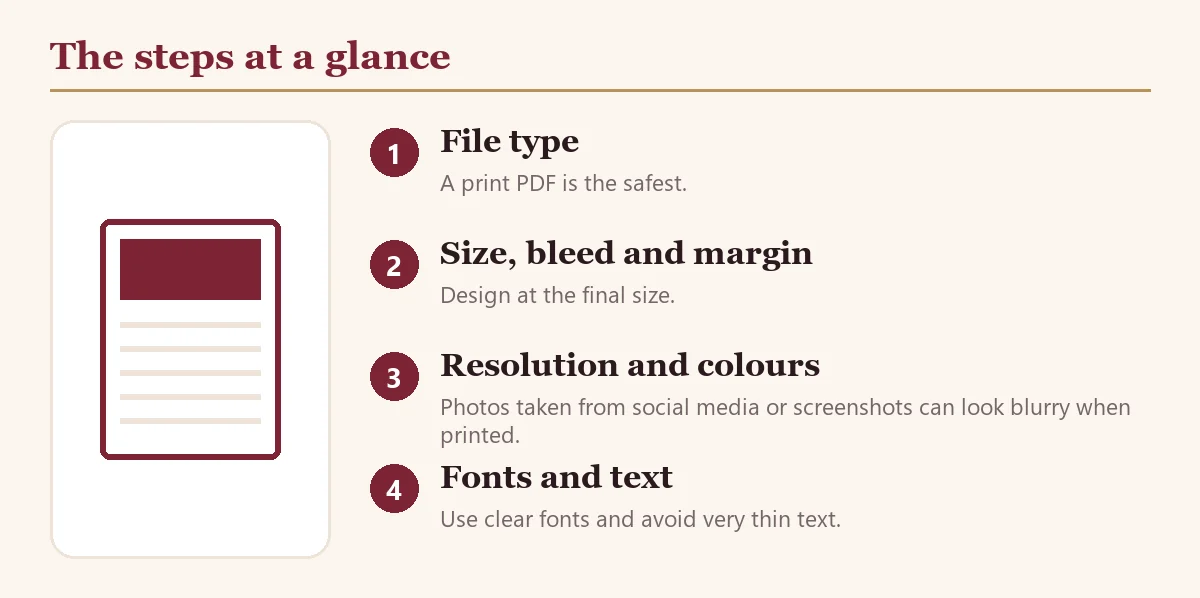
File type
A print PDF is the safest. PNG or JPG at high quality also works. If you used Canva, download as PDF Print.
Size, bleed and margin
Design at the final size. Extend background colour and images a few millimetres beyond the edge (bleed) so no white line shows after cutting. Keep important text and logo a few millimetres inside the edge (safe margin).
Resolution and colours
Photos taken from social media or screenshots can look blurry when printed. Use the original photo. Screen colours may look a little different on paper, so check the preview.
Fonts and text
Use clear fonts and avoid very thin text. Check every spelling, date and phone digit twice.
Quick checklist
- Send PDF where possible
- Design at the exact print size
- Add bleed beyond the edge
- Keep text inside the safe margin
- Use high-resolution images
- Check spelling and numbers
Questions
Which file should I send?
PDF is best; high-quality PNG or JPG also works.
I only have a phone photo of my design.
Send it; we can recreate a clean design and show a preview.
தமிழில் சுருக்கம்
PDF அனுப்புங்கள், அளவு சரியாக இருக்கட்டும், விளிம்பில் இடம் விடுங்கள், தெளிவான படம் பயன்படுத்துங்கள், எழுத்துப்பிழை சரிபாருங்கள். WhatsApp: 88834 34740.
Studio: MUSHA Gifts, 17 D/1 Kamatchi Kovil Street, Woraiyur, Tiruchirappalli 620003. Open Monday to Saturday 10 am to 8 pm, Sunday 10 am to 2 pm. WhatsApp +91 88834 34740.